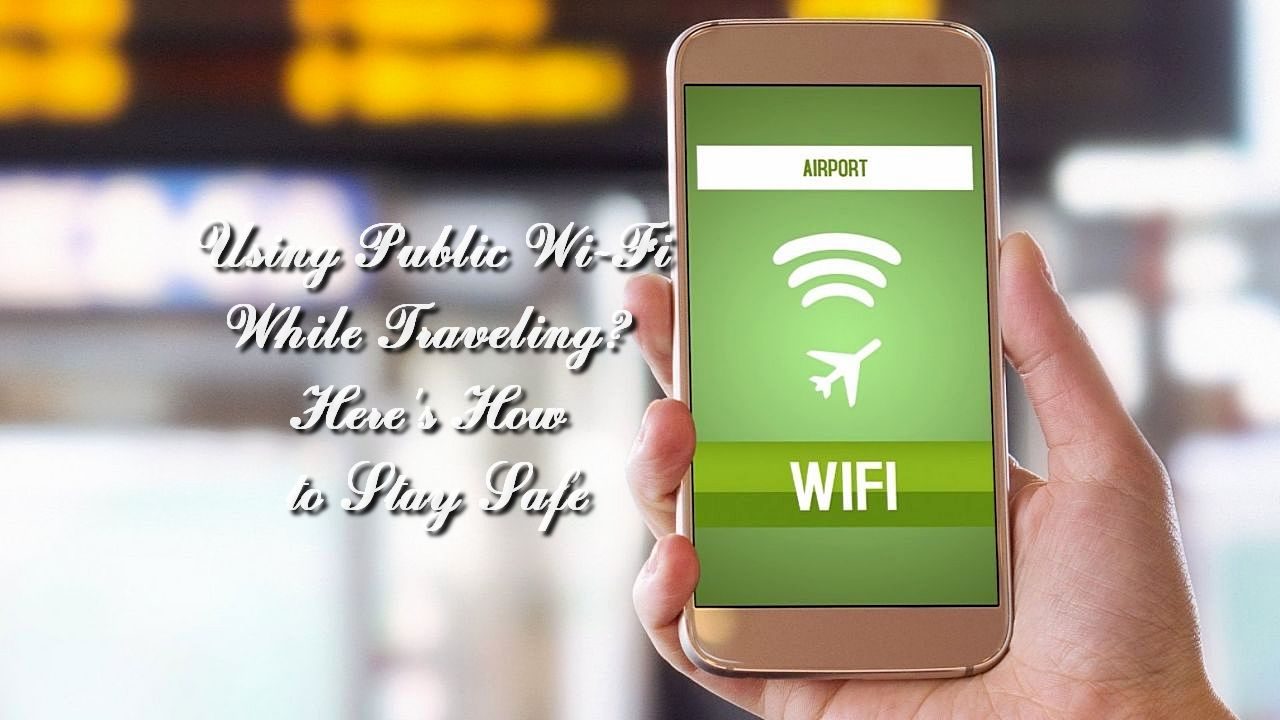
Traveling often means relying on public Wi-Fi networks, whether at airports, cafes, hotels, or other public spaces. While these networks offer convenience, they also pose significant security risks. For advanced security threat protection at home, a Meraki MX firewall is a perfect choice. However, when traveling, you need to be mindful of different security measures to stay safe online. Here’s how you can protect yourself when using public Wi-Fi on the go.
Understand the Risks of Public Wi-Fi
Public Wi-Fi networks are usually unsecured, making it easier for hackers to intercept your data. One of the most common risks is the man-in-the-middle attack, where hackers can intercept the communication between your device and the network, capturing sensitive information like passwords and credit card numbers. Another significant threat is malware distribution, where unsecured networks are used to distribute malicious software to connected devices. Data theft is also a considerable risk, with cybercriminals potentially stealing personal information such as email addresses and login credentials.
Always Use a Virtual Private Network (VPN)
A Virtual Private Network (VPN) is one of the most effective tools for securing your data when using public Wi-Fi. A VPN encrypts your internet connection, making it difficult for hackers to intercept your data. Many VPN services are available, ranging from free to premium options. When selecting a VPN, ensure it offers strong encryption, a no-logs policy, and a wide range of server locations. Using a VPN is straightforward; you install the software on your device, connect to a server, and your internet traffic is securely routed through an encrypted tunnel.
Enable Two-Factor Authentication
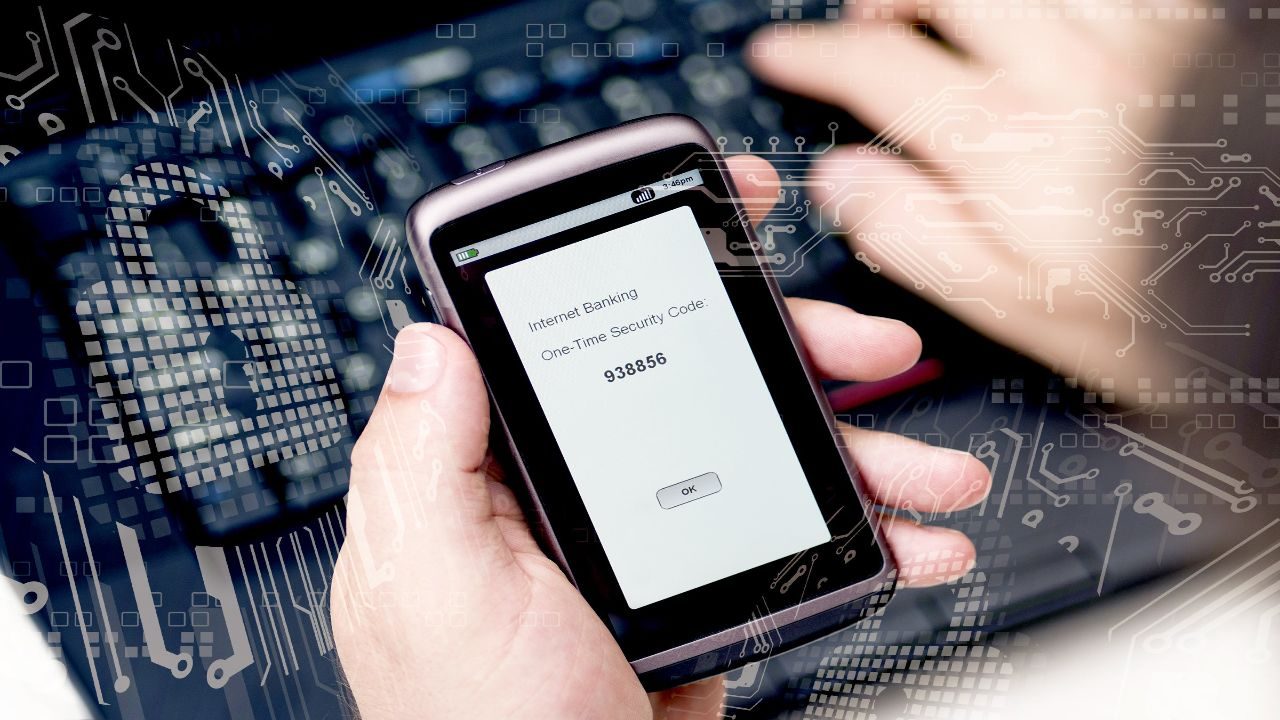
Two-factor authentication (2FA) adds an extra layer of security to your online accounts. Even if a hacker obtains your password, they would still need the second factor to gain access. This second factor is typically a code sent to your phone or an authentication app. Enabling 2FA on your accounts can significantly reduce the risk of unauthorized access. Most major online services, including email providers, social media platforms, and financial institutions, offer 2FA options. Be sure to enable it on all your critical accounts before you travel.
Be Cautious with Personal Information
Avoid accessing sensitive information or conducting financial transactions on public Wi-Fi. This includes logging into your bank account, shopping online, or accessing sensitive work documents. If you must perform these activities, ensure you are connected to a VPN and using sites with HTTPS encryption. Additionally, consider using your mobile data for such transactions instead of public Wi-Fi, as it is generally more secure. Always log out of accounts when you finish and clear your browsing history and cache.
Update Your Software
Keeping your device’s software up to date is crucial for security. Software updates often include patches for security vulnerabilities that hackers can exploit. This applies to your operating system, web browsers, and any apps you use. Enable automatic updates on your devices to ensure you always have the latest security patches. Regularly updating your software reduces the risk of exploitation by known vulnerabilities and helps protect your data.
Disable File Sharing and AirDrop
Before connecting to a public Wi-Fi network, disable file sharing and AirDrop on your device. These features can allow other users on the same network to access your files. On Windows, you can disable file sharing through the Network and Sharing Center. On macOS, go to System Preferences > Sharing and turn off file sharing options. For iOS devices, disable AirDrop by swiping up to open the Control Center, tapping AirDrop, and selecting “Receiving Off.” Disabling these features helps prevent unauthorized access to your device.
Use Strong, Unique Passwords
Using strong, unique passwords for your accounts can help protect you if your data is intercepted on a public Wi-Fi network. Avoid using the same password across multiple accounts. A strong password includes a mix of letters, numbers, and special characters. Consider using a password manager to generate and store complex passwords securely. Password managers can also alert you if any of your passwords have been compromised, allowing you to change them promptly.
Verify the Network
When connecting to public Wi-Fi, ensure you are connecting to the correct network. Hackers can set up fake Wi-Fi hotspots with similar names to legitimate ones to trick users into connecting. Ask an employee for the exact name of the Wi-Fi network if you are in a café, hotel, or other public space. Once connected, avoid visiting websites or entering credentials until you are sure you are on the legitimate network.
Use Your Mobile Data
Whenever possible, use your mobile data instead of public Wi-Fi, especially for sensitive transactions. Mobile data is generally more secure than public Wi-Fi because it is encrypted and less susceptible to hacking. If you have a generous data plan or are in an area with good coverage, consider using your phone as a hotspot for a more secure connection. This can be particularly useful in areas where public Wi-Fi is known to be unreliable or insecure.
Install Security Software
Having reliable security software on your devices can help detect and prevent threats when using public Wi-Fi. Look for comprehensive security suites that include antivirus, anti-malware, and firewall protection. Many security programs also offer features such as VPNs and secure browsing tools. Regularly scan your devices for malware and keep your security software updated to protect against the latest threats.
Monitor Your Accounts
Regularly monitoring your accounts for suspicious activity can help you quickly detect and respond to potential security breaches. Check your bank and credit card statements frequently for unauthorized transactions. Set up alerts for your accounts so that you receive notifications of any unusual activity. If you notice anything suspicious, report it to your bank or the relevant service provider immediately. Monitoring your accounts can help you catch security issues early and mitigate their impact.
Staying safe while using public Wi-Fi while traveling requires vigilance and practical security measures. By understanding the risks, using tools like VPNs, enabling two-factor authentication, and following best practices for device and account security, you can significantly reduce your exposure to cyber threats. Remember, while a Meraki MX firewall provides robust protection at home, adopting these strategies will help ensure your online safety when you are on the go. Happy and safe travels!